A Chrome workflow, not a downloader app
How to save an xHamster video on Chrome — without a sketchy downloader site
Most people in the US, the UK, India, and Australia who land on this page just want one thing: keep the video they are already watching, on the same laptop they are already using. No new app, no link to paste anywhere, no third-party server in the middle.
TL;DR
Open the xHamster video page in Chrome, press play and wait a few seconds, then click BoltStream and save an MP4. The file lands in your normal Downloads folder. Open it once before you close the tab so you know it is the right video. That is the whole flow.
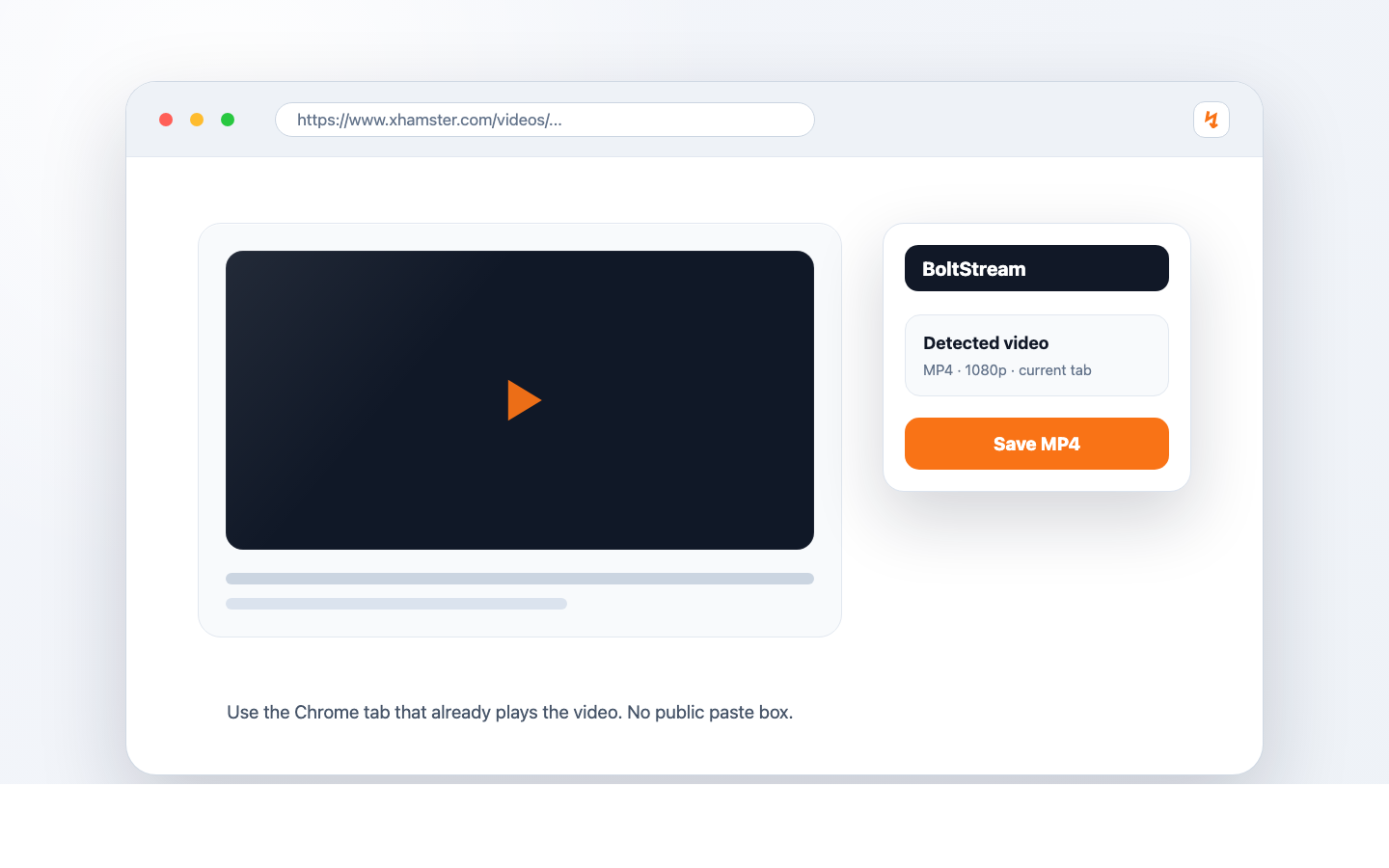
Why most xHamster downloader sites are worse than just doing it in Chrome
The first three results on Google for "xhamster video download" are usually third-party web tools. You paste a URL into them, wait, then they hand you back an MP4. The problem is that the URL, the IP you opened the URL from, and your viewing intent all just travelled through someone else's server. For a category of content where most users have a strong privacy preference, that is the wrong default.
BoltStream lives inside Chrome. It only looks at the tab you are already on, and the file goes straight from the original CDN to your machine. Nothing about the URL, the title, or your IP is sent to a downloader middleman.
The actual flow
Three steps from watch page to a saved MP4
- 01
Add BoltStream to Chrome once
From the Chrome Web Store. Free, no account, no email. After it is installed you do not have to think about it again until you actually want to save something.
- 02
Open the watch page, not a preview
Click into the actual xHamster video page so Chrome is loading the real stream. Press play and let it run for three or four seconds. This is the step most "why isn't it working" emails come down to.
- 03
Click BoltStream, save the MP4
Click the BoltStream toolbar icon, choose the quality if more than one is offered, and let it save. The file lands in your Downloads folder unless you have Chrome set to ask each time.
When it does not work the first try
Almost every "BoltStream did nothing" message we get comes back to one of these three things, in this order:
- The video has not actually played yet. Chrome only sees the real stream after playback starts. Press play, wait four seconds, click BoltStream again.
- You are on a search/preview page, not the watch page. Click the thumbnail through to the actual video URL. Hover the URL bar to confirm it is a single-video page.
- An ad loaded first and BoltStream caught the ad. Wait until the actual video starts playing — not the pre-roll — then try again. Open the saved MP4 once to verify before closing the tab.
A note for readers in India, the US and the UK
BoltStream cannot un-block content that the network in front of you has blocked. If your ISP, school, office or country is currently blocking xHamster, the page itself will not load — and there is nothing for BoltStream to save. Most people in this situation are already on a VPN or DNS workaround, in which case the watch page does load, BoltStream sees the stream, and the save works exactly the same way.
Save only what you have a personal right to save. Do not redistribute the file, do not upload it elsewhere, and do not save anything that is illegal, non-consensual, or where the people involved cannot be verified as adults. The legal weight of all of that sits on you, not on the tool.
Common questions
- Do I need to copy the xHamster URL?
- No. Open the video in Chrome, let it play, then click BoltStream from the same tab. The URL never leaves your browser.
- Why does the file not start downloading?
- Almost always because the video has not actually played yet, or because the page loaded an ad first. Press play, give it a few seconds, then try again.
- Is this safe on a shared laptop?
- BoltStream only watches the tab you are on. But the saved MP4 sits in your Downloads folder afterwards, so think about who else uses that computer before you save.
- Is it legal to download xHamster videos?
- It depends on your country, the specific video, and what you do with the file afterwards. Save only what you have a right to save. Do not redistribute it. Do not save illegal or non-consensual content. The responsibility is on you.
Save the next xHamster video you watch
Add BoltStream to Chrome once. The next time you find a video worth keeping, the workflow takes about five seconds.
Add to Chrome — Free